

What Is Wondershare Filmora and How Does It Work?
Wondershare Filmora is a powerful video editing application designed for novices, content creators, and small businesses looking to edit video in professional quality using simple tools. It works on Windows, macOS, Android and iOS – and is therefore available both for desktop and mobile use.
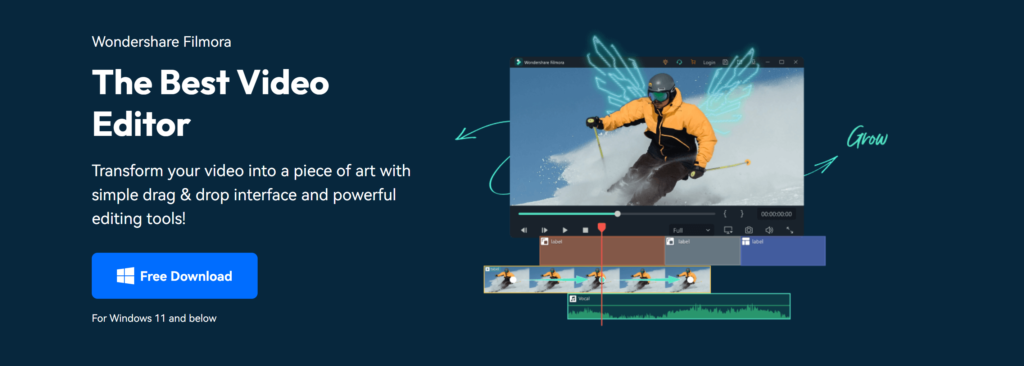
Filmora works on a drag-and-drop editing system. Users bring video clips, images, audio, or screen recordings into the media library and slide them over a timeline to cut, cut, or arrange scenes. Builders can create videos in just a few clicks using built-in transitions, text, effects, and music.
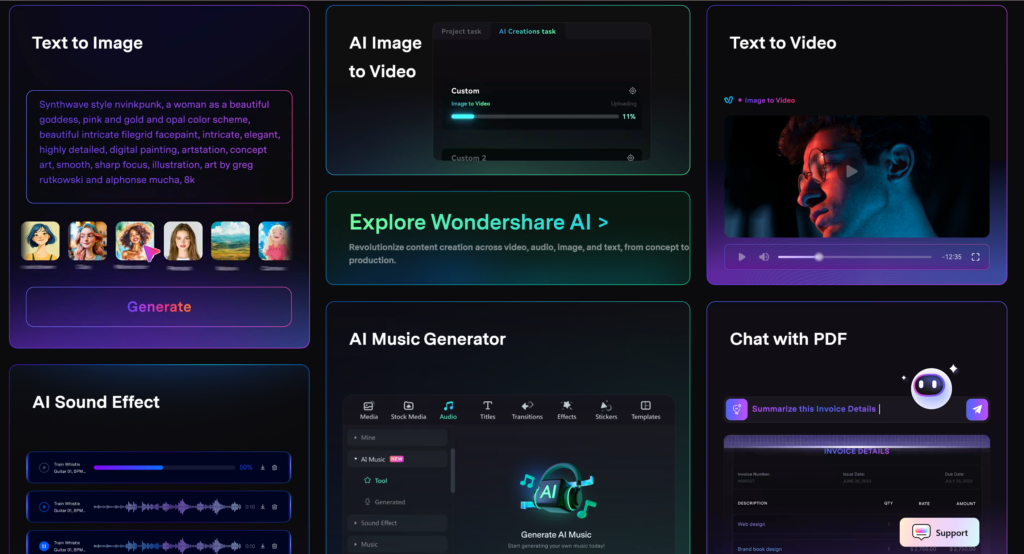
It also has AI enabled features like automatic captioning, background removal, noise reduction, and smart scene detection. Besides, these programs save time and improve the quality of videos without technical training.
Once editing is complete, Filmora allows users to export videos in multiple formats and resolutions for YouTube, Instagram, TikTok and Facebook. Overall, Wondershare Filmora simplifies the process of video editing, allowing you to convert raw footage into polished videos quickly and easily.
Who Should Use Wondershare Filmora?
Wondershare Filmora is designed for first-time users, for casual producers, and for small companies who want to make professional-quality videos without the heavy usage of computer hardware or expensive professional software. The user interface is simple, and its ready-made tools let video editing be done, even for those with little prior experience.
Filmora is an excellent site for YouTubers, vloggers, social media creators, educators, and marketers who need to find compelling content quickly. Whether it is effects, templates, transitions, or AI-powered tools, the tools save users time and give them a professional look.
It is also ideal for freelancers and startups with very small budgets. Filmora offers flexible pricing and strong performance for a variety of everyday video projects, including tutorials, promo videos, product demonstrations and short form videos.
But, users who want advanced cinematic controls, advanced visual effects or professional color grading may seek out more sophisticated editing software. Wondershare Filmora is a balance of simplicity, creativity, and value for the rest; it is a smart and practical option for most modern content producers.
Key Features That Make Wondershare Filmora Stand Out
Wondershare Filmora is unique in that it comes with powerful video editing tools and a simple, beginner-friendly design. It offers a clean drag and drop timeline that is easily adjusted to cut clips, add transitions, and apply effects without technical knowledge. This way, creators can be more responsive to their story and creativity rather than complex editing processes.
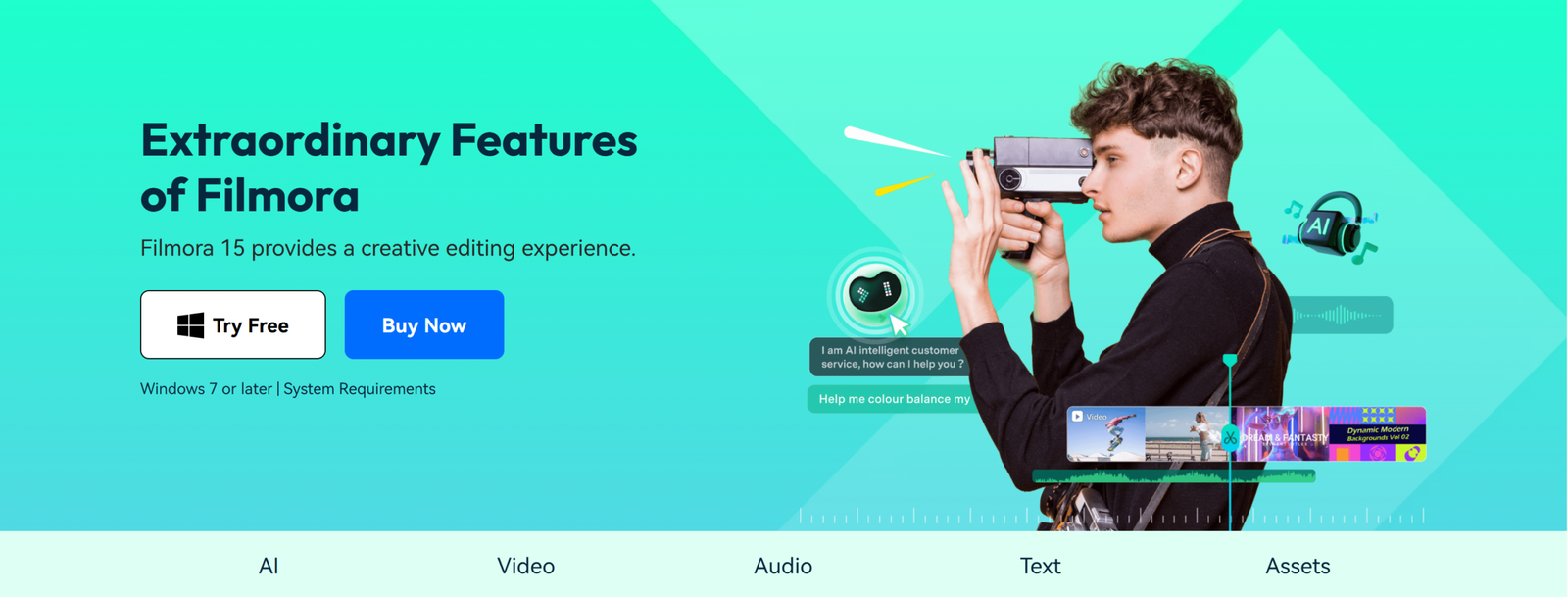
One of Filmora’s best features is its AI powered tools, which include automatic captioning, background removal, smart cut, and text-to-speech. These tools save time and improve efficiency, especially for YouTubers, teachers, and social media creators who want quick and professional results. Filmora also boasts an enormous library of royalty-free effects, music, titles, and transitions so that users can bolster their videos without recourse to external sources.
Wondershare Filmora also supports high-quality video export to HD and 4K resolution in several formats and levels. It works seamlessly with Windows and macOS, mobile versions also available to be used on-the-go. These advantages, along with the flexible pricing and regular features, make Filmora a reliable and ad-friendly video editing solution for beginners, content creators, and small businesses.
Pros and Cons of Wondershare Filmora
Wondershare Filmora is a popular video editing tool known for its flexibility and creative tools. Below is a clear, honest and Google AdSense-friendly breakdown so that readers can quickly learn its strengths and weaknesses.
Pros of Wondershare Filmora
- Beginner Friendly Interface: Filmora is user-friendly and intuitive. Beginners are happy to use it without a prior editing experience.
- Wide Range of Built-In Effects: Users have access to effects including transitions, filters, titles, music and motion graphics that make professional-looking videos quick and easy to make.
- AI-Powered Editing Tools: Automated captions, background erasure, and smart scene detection save time and improve productivity.
- Cost Effective Pricing Plans: Unlike professional editors, Filmora is budget-friendly and available as both a subscription or one-time purchase.
- Multi-Plattform Support: Available On Windows, macOS, Android, and iOS, with many different device supports to allow creators to edit videos.
Cons of Wondershare Filmora
- Few Advanced Editing Controls: For professionals, Filmora does not offer deep color grading, advanced audio mixing, or fancy timeline controls.
- Watermark in Free Version: Videos exported in the free version have a watermark that blocks use for professional or commercial purposes.
- Problems with Performance: in Large Projects Editing high-resolution or long videos can result in slowdowns on lower-end systems.
- Premium Assets and Plugins: Other effects, templates and AI features require additional payment or subscriptions.
Real-World Use Cases: How Creators Use Wondershare Filmora
Wondershare Filmora has grown in popularity among movie makers wishing to create professional looking videos without needing fancy editing equipment. Its interface is clean, and features are readymade to suit numerous uses in practice in a variety of industries.
YouTubers and content creators use Filmora to copy video, background music, overlays, and transitions for tutorials, vlogs, or product reviews. Templates and auto-captioning allow you to speed up editing without losing quality.
Filmora has become an increasingly popular tool for creators of social media content to film short videos for sites like TikTok, Instagram Reels, and YouTube Shorts. Quick trimming, aspect-ratio presets, and motion effects make it easy to create captivating content customized for each platform.
Small businesses and marketers use Filmora to make promotional videos, advertisements and customer testimonials. It supports branding, audio clarity, and exports videos in formats suitable for online advertising and websites.
Instructors, and online instructors use Filmora to record and edit lessons, presentations, and explainer videos. Screen recording, note-taking, and voiceover tools provide clear, engaging educational content.
Common Issues and Limitations You Should Know
Regardless, Wondershare Filmora is a fast and simple video editing application, but it’s important to know its limitations before making any use of it for longer.
One problem is that professional software only gives you limited editing options. Filmora is not as flexible for users who want an artistic touch, detailed color schemes, or a complicated motion graphic, or professional-looking effects. It is designed primarily for beginners and intermediate makers, not for advanced post-production workflows.
A third constraint is performance on lower end devices. Most if not all of Filmora’s processing is good for basic editing but big projects, high-resolution videos, or heavy effects may cause lag or occasional crash on older systems.
Some users also complain of licensing and pricing confusion when upgrading plans or when purchasing premium effects and AI features that may require additional payments. This information in the price sheet will prevent you from incurring unexpected costs.
Lastly, the free version has a watermark, which means it’s best for testing purposes rather than creating professional content.
Wondershare Filmora Pricing, Plans, and Licensing Options
Wondershare Filmora is easily customizable to suit both beginners and more seasoned filmmakers. Start with the free version, where you can explore some basic editing methods, but exports include a watermark. For full features and free videos without watermarks, there are two choices at the price point: paid and free.
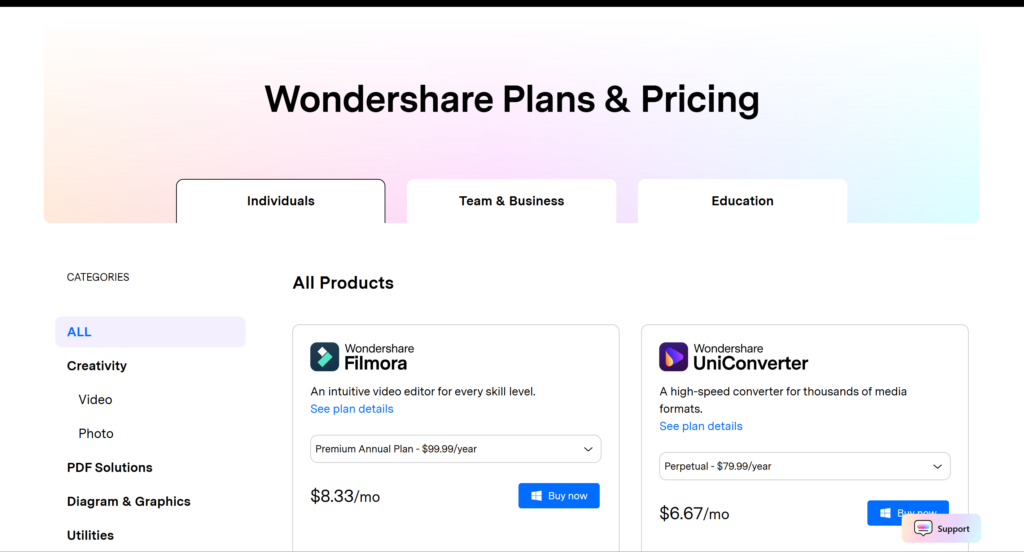
Annual Subscriber – Get everything for free, and every feature, effect, and AI tool you need in one go. It is a great option for businesses who want periodic updates and cloud resources.
Perpetual (One Time) License – Pay once, and filmora stays on your device forever. While this plan does not include ongoing updates, it’s an ideal solution for users who prefer one-time purchases.
Filmora also offers bundles that include additional creative assets, AI credits, and stock media for enhanced video production. Its price flexibility allows creators of all types to choose a plan that best suits them.
System Requirements and Download Software Platform
Wondershare Filmora is designed to function comfortably on most modern computers and mobile devices and can be used by a number of people. Before downloading, make sure you have the minimum necessary prerequisites for stable performance and fast video rendering.
Supported Platforms
Wondershare Filmora is available for download on:
- Windows (Windows 10 and later).
- macOS (current macOS versions) .
- Android smartphones and tablets.
- iOS devices (iPhone and iPad):
This support for video editing is available across desktop and mobile devices, enabling many different workflows.
Minimum System Requirements (Typical)
While the exact requirements can vary depending on the version, Filmora generally recommends:
- Processor: Intel or AMD 64 bit CPU (64-bit)
- RAM: 8 GB, 16 GB for 4K or complex projects)
- Graphics Card: GPU with DirectX 11 support (for Windows)
- Storage: One GB of free disk space for installation and project files.
- Internet Connection: Required to download, update, and some AI features.
Download and Installation
For added security and to receive the latest features, users should always download Wondershare Filmora from the official Wondershare website or any of the app stores. This helps to avoid old versions, malware threats, and compatibility issues. The setup is easy, with instructions for both desktop and mobile devices. This system is regularly updated to improve performance, feature newness, and bug fixes.
About the Author